Autopilot
Autopilot starts the next agent of a task when the task reaches a new lane. The workflow of the task declares the moves that Autopilot can react to, and the agents that it can start. You choose which rules run. Each rule is off until you turn it on.
Session started.
OpenSession started.
OpenSession started.
OpenTwo devices renamed the same tag. Which name should sync keep?
OpenHow a rule works
A rule connects one workflow signal to one action. A signal is a move that the workflow names, such as When a task progresses to AI Review. The action starts one role of the workflow. For the rules of the built-in workflow, see Autopilot rules of Spec, Plan, Build.
Each action starts its agent in one of these sessions. The workflow sets which one.
- A fresh session.
- The last session of the role in the task worktree. Without one, a fresh session if the action allows it.
- A fork of the last session of the role. Without one, Autopilot skips the action.
A new session uses the default model of its role, or the Default model if the role has none. A continued or forked session keeps its model.
Turn on rules
- Open Settings, then Autopilot.
- Under the workflow name, for example Spec, Plan, Build, find the event that you want. Change Disabled to its action, for example Start QA.
- Select Save settings.
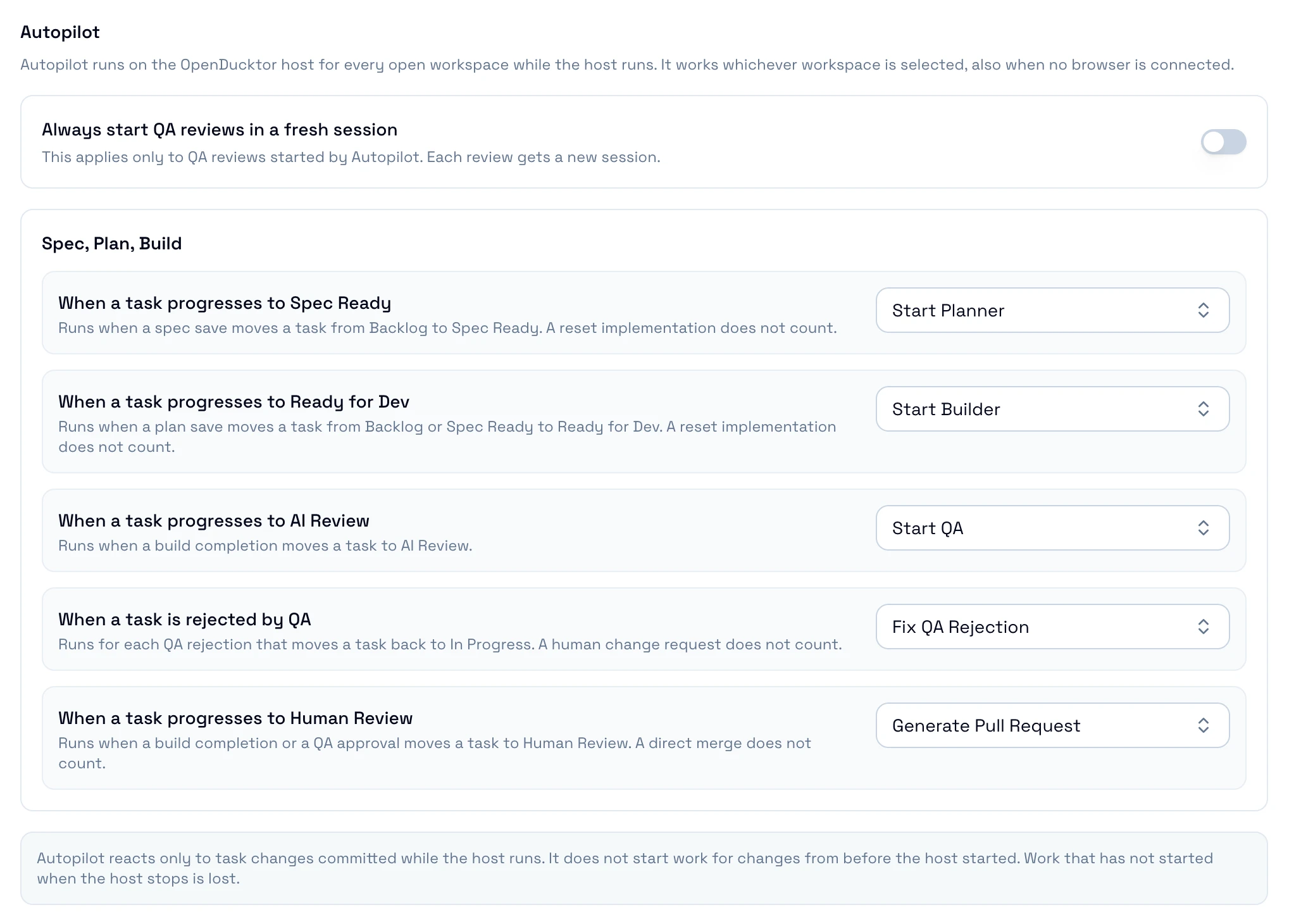
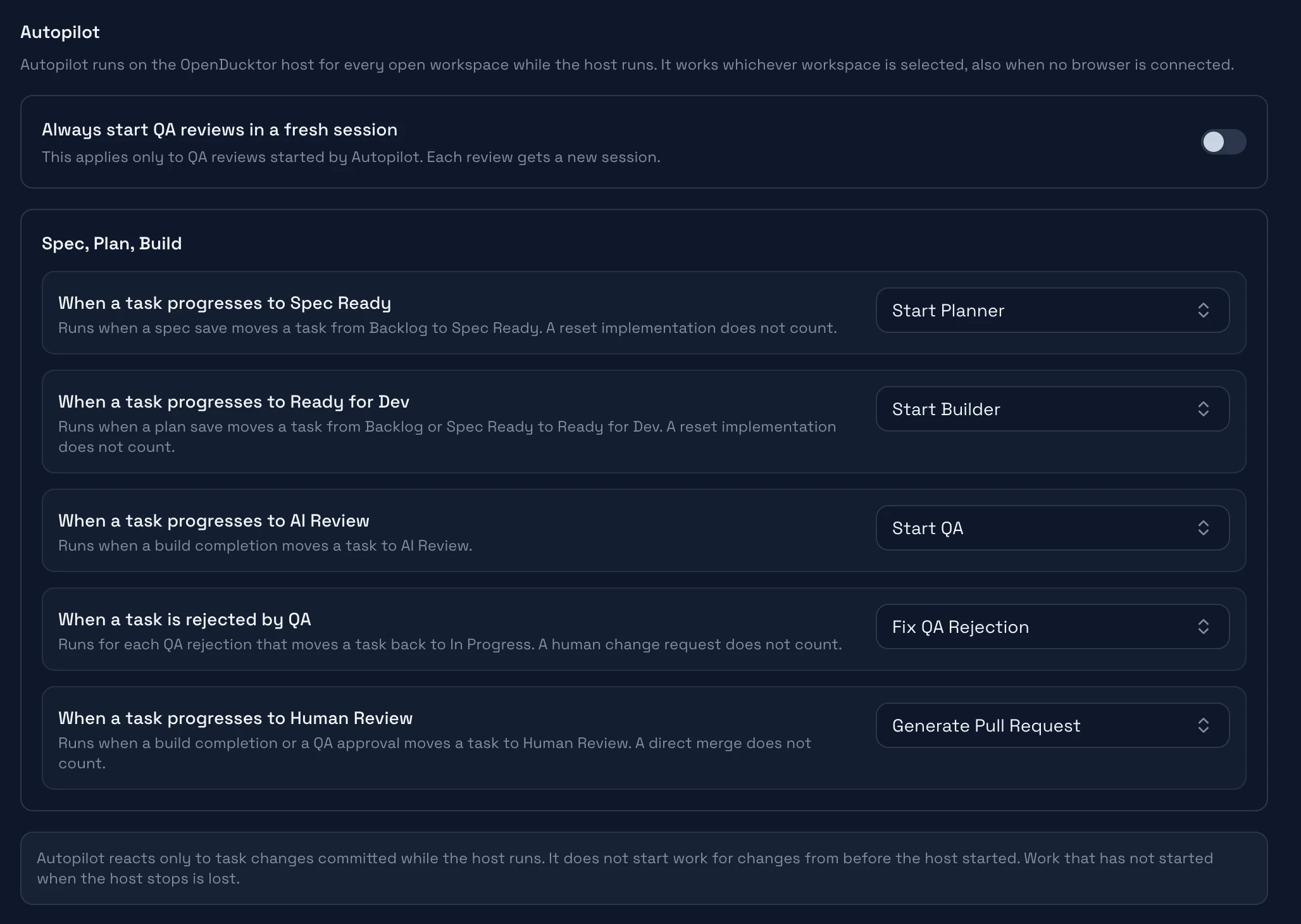
Each workflow has its own rules. A rule acts on task changes after you save it. It does not start an agent for a task that is already in that lane.
Always start QA reviews in a fresh session applies to every workflow. When it is on, each review that Autopilot starts gets a new session, also when the action reuses sessions. A review is the step of a role that saves a verdict, such as QA.
Where Autopilot stops
Autopilot only starts agents. It does not do these steps:
- Start the first agent of a new task. A new task has not moved yet, so no rule applies.
- Answer the questions and permission requests of agents.
- Approve a task, merge code, or close a task.
- Start an agent after a move that the workflow does not name, such as a reset.
- Start a session in Goal mode. Autopilot sends the first message of the step.
When Autopilot cannot start an agent
If an action cannot start, an in-app notification shows the reason, for example "Autopilot skipped Generate Pull Request for fieldnotes-dabt." Common causes:
- The Git provider is not ready.
- The action needs a session or a task worktree that does not exist.
- The role has no model.
- The task moved to another lane before the action started.
Fix the cause, then start the action from the task.
If the session started but its first message failed, select Retry message in the notification.
Keep OpenDucktor running