Review work
The work views show what the agents did on the host.
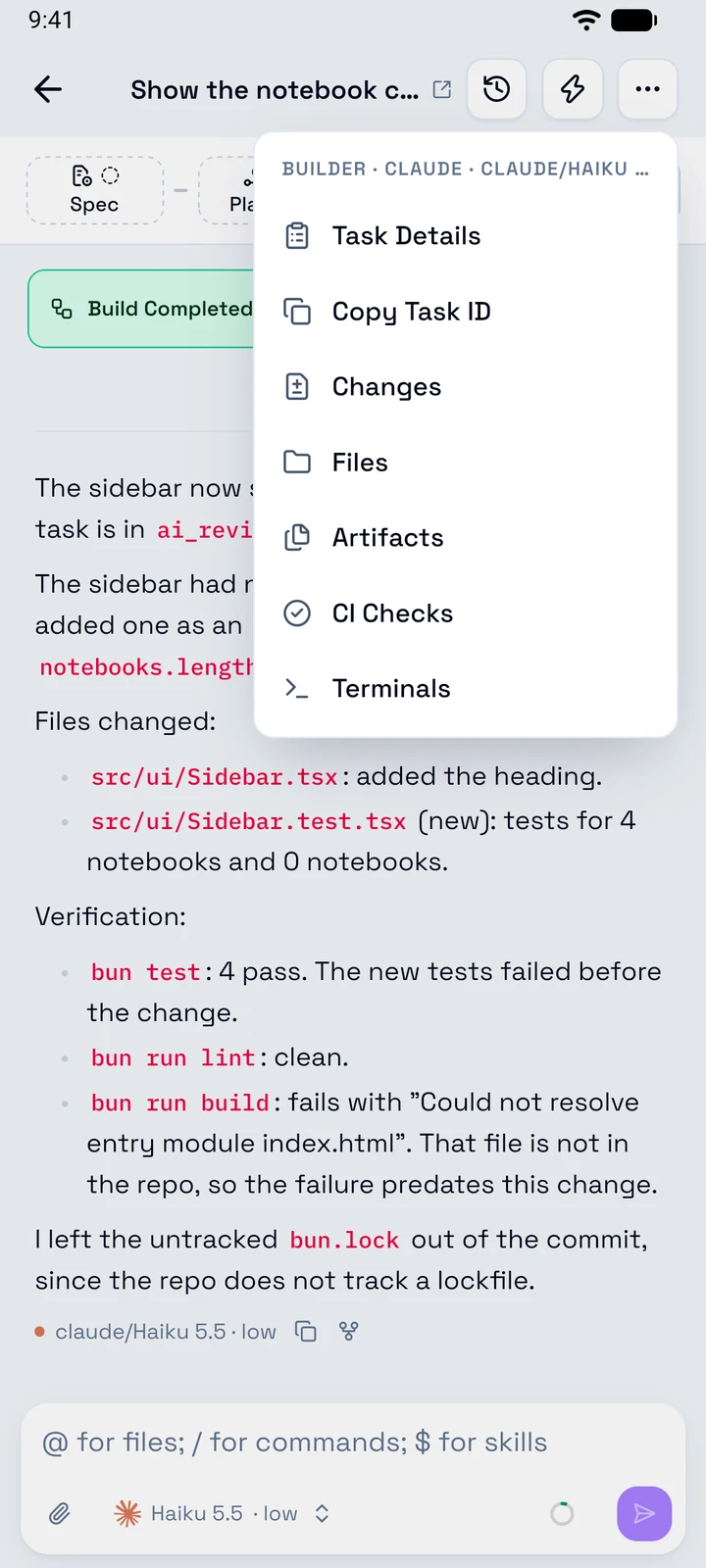
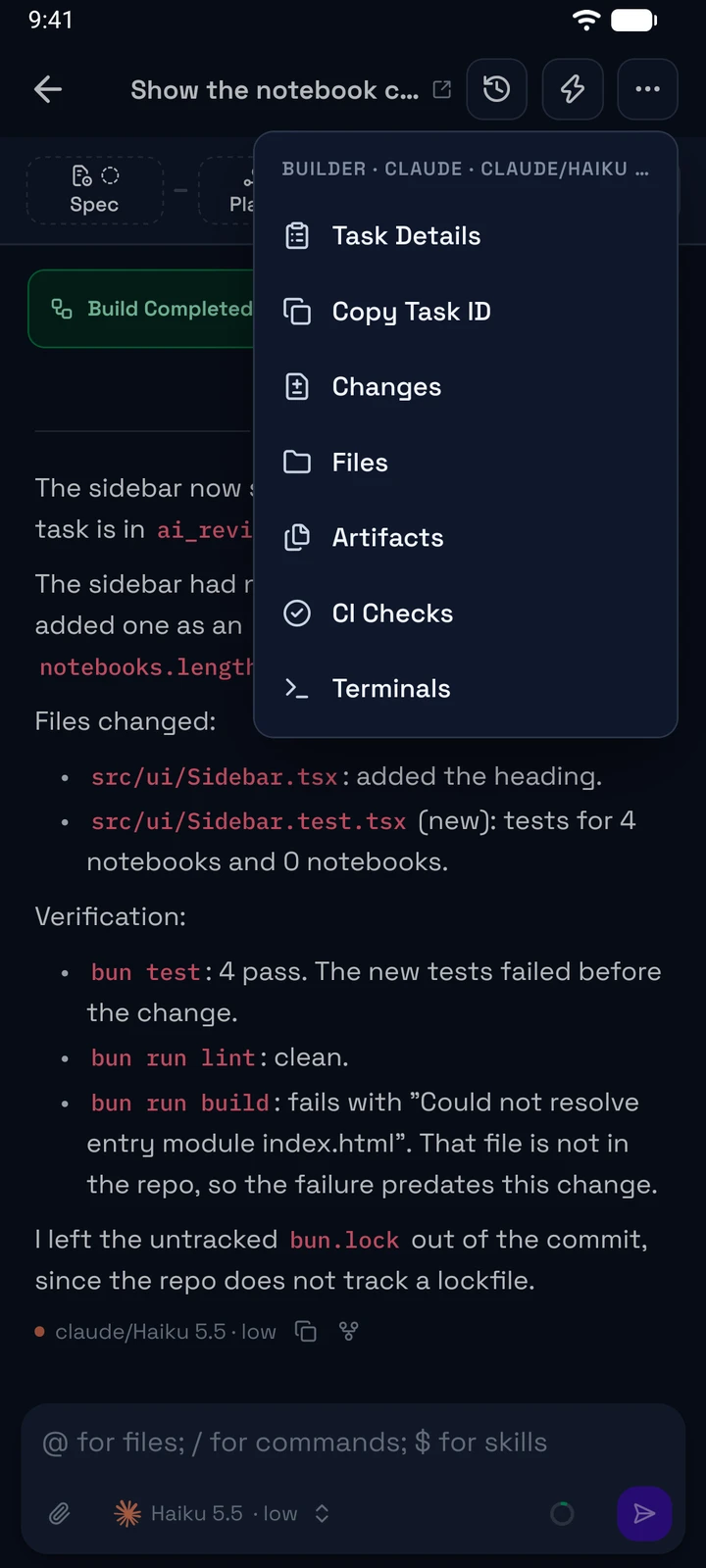
Open them from the Session actions menu of a session, or from the Work card of the task details:
- Changes: the changed files and their diffs.
- Files: the files of the worktree.
- Artifacts: the documents of the task.
- CI Checks: the pull request and its checks.
- Terminals: the shells of the worktree.
Artifacts and CI Checks show only for a task.
Changes
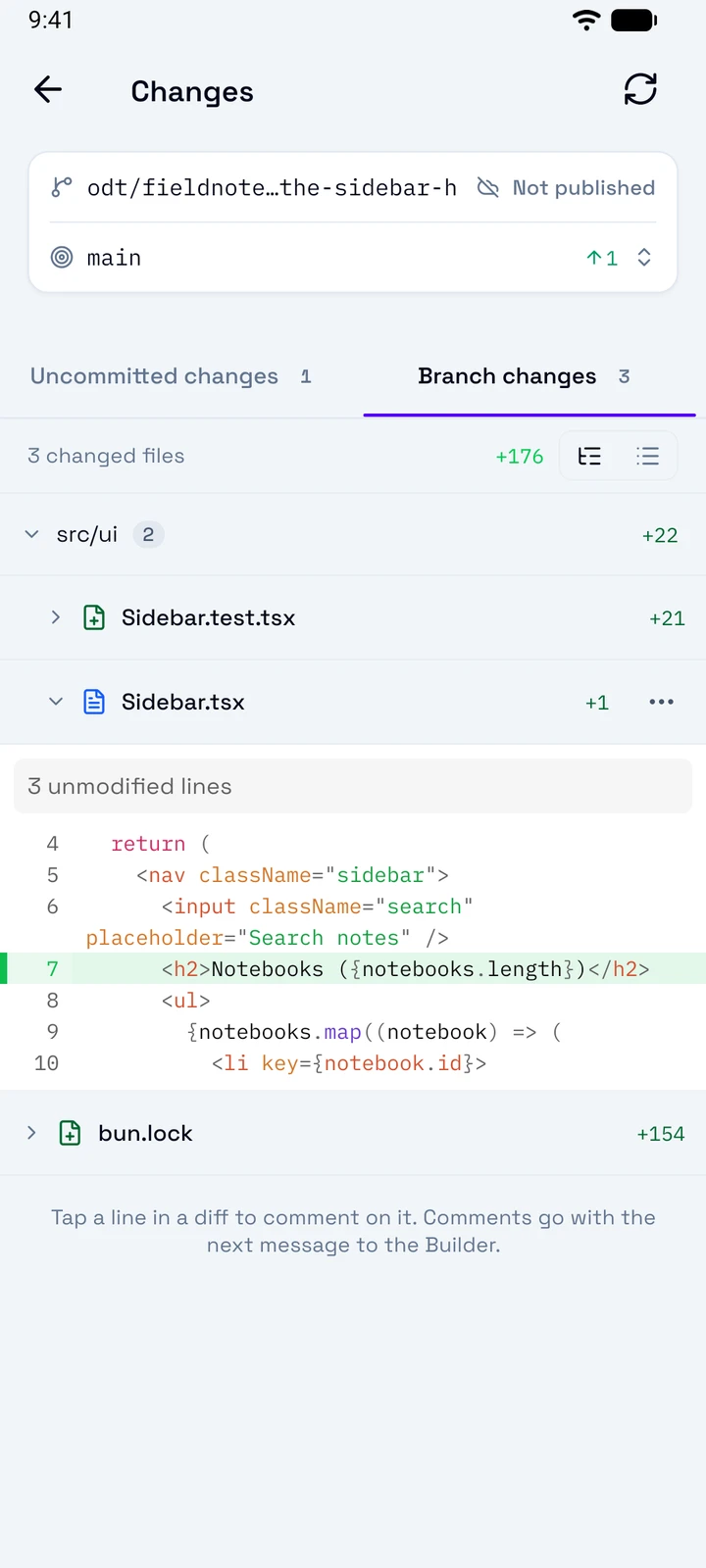
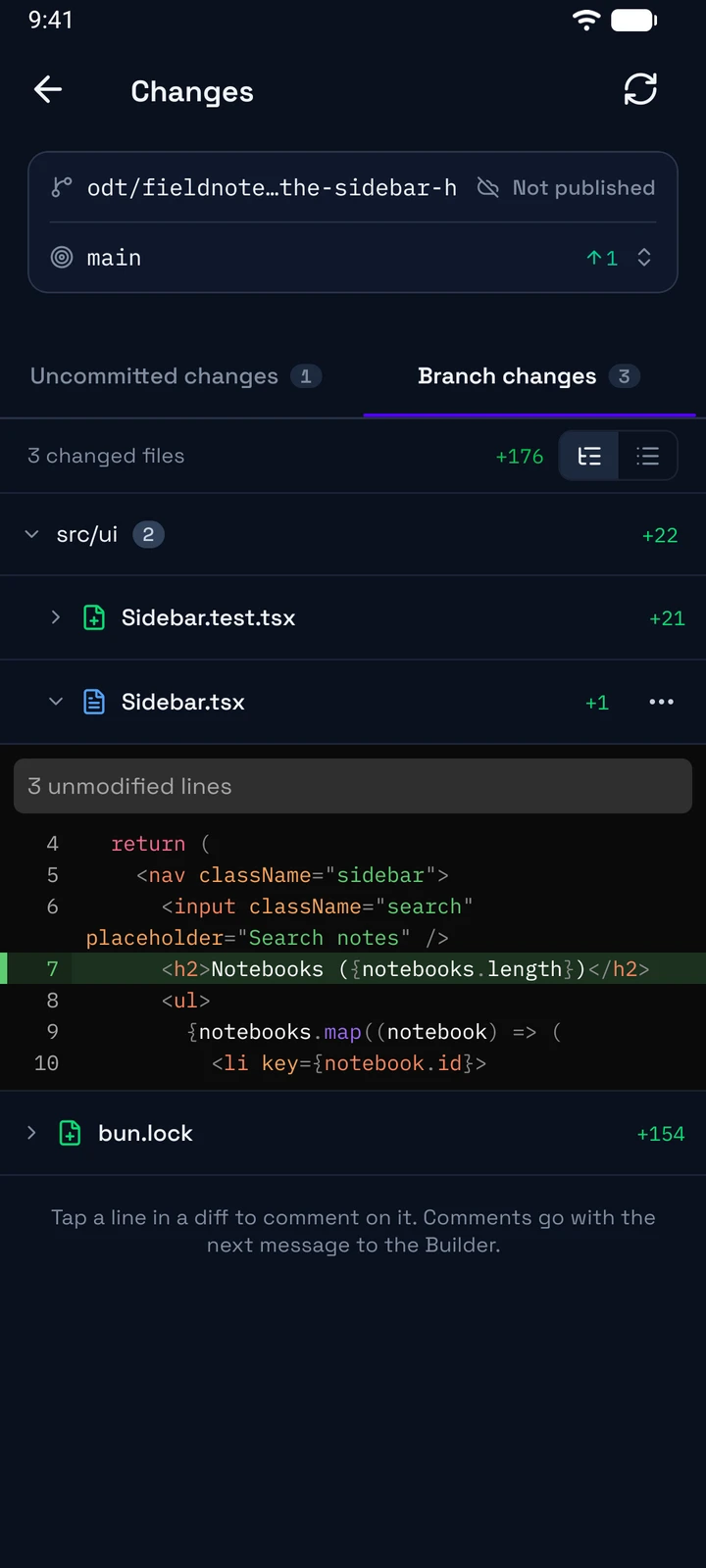
Refresh
Reads the changes again.
Branches
The task branch, then the Comparison Branch with the commits ahead and behind. Tap the comparison branch to change it.
Uncommitted or branch
Uncommitted changes groups the files in Conflicts, Unstaged, and Staged. Branch changes compares the task branch with the comparison branch.
Tree or list
Shows the files in their folders, or in one list.
A file
Tap a file to show its diff. Long press it for Open full diff, View file, and Copy path. Tap a line to comment on it.
The phone does not stage, commit, or push. The agents commit their work, and the push comes with the approval.
When a rebase or a merge stops on a conflict, Changes shows the conflicted files. Tap Abort rebase or Abort merge to go back. Or tap Resolve conflicts, then Send request, to ask the Builder to fix it.
Comment on a diff
- In Changes, tap a file to show its diff, or open its full diff.
- Tap a line. To comment on more lines, tap the last line of the range.
- Tap Comment, write what to change, and tap Comment again. The comment shows Pending.
- Tap Send. The session opens, and your comments go with your next message.
Files
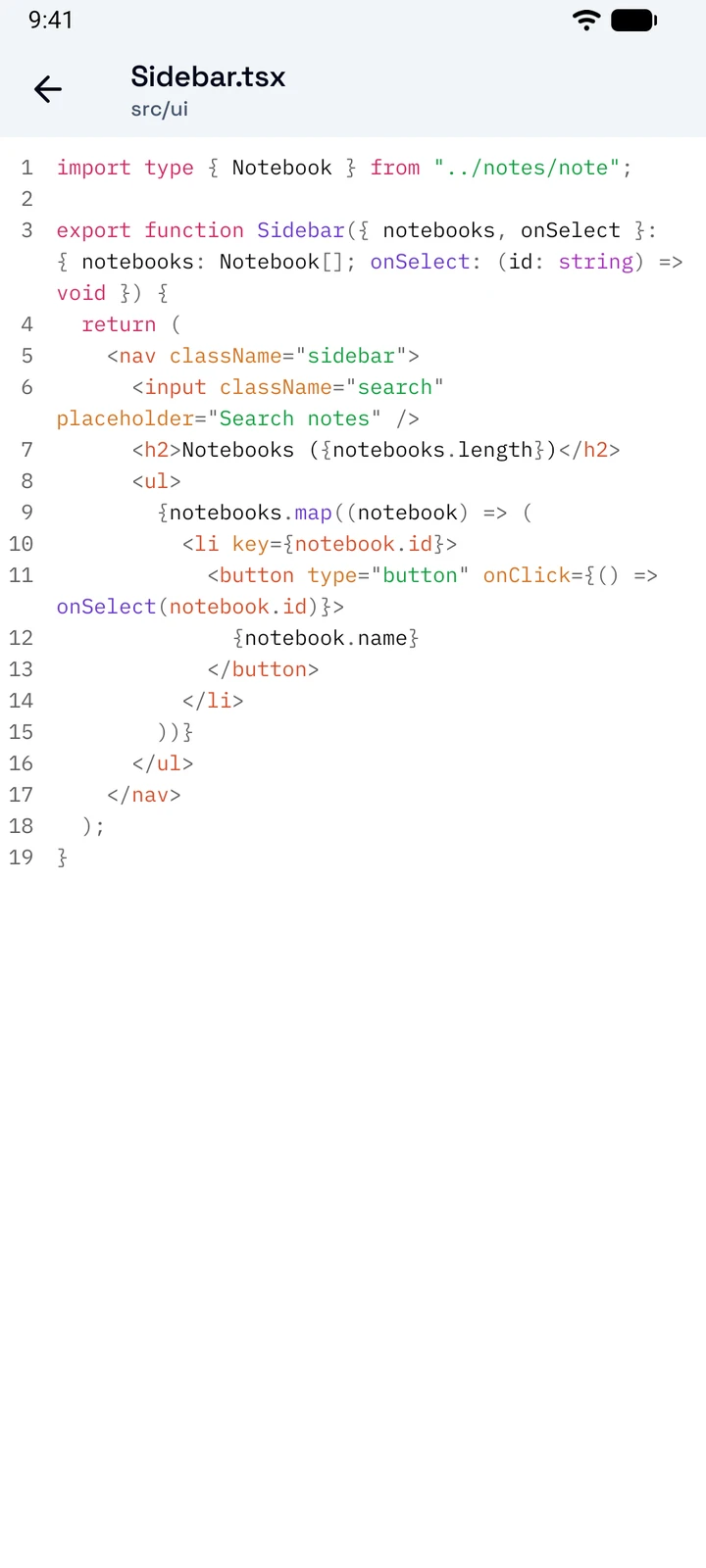
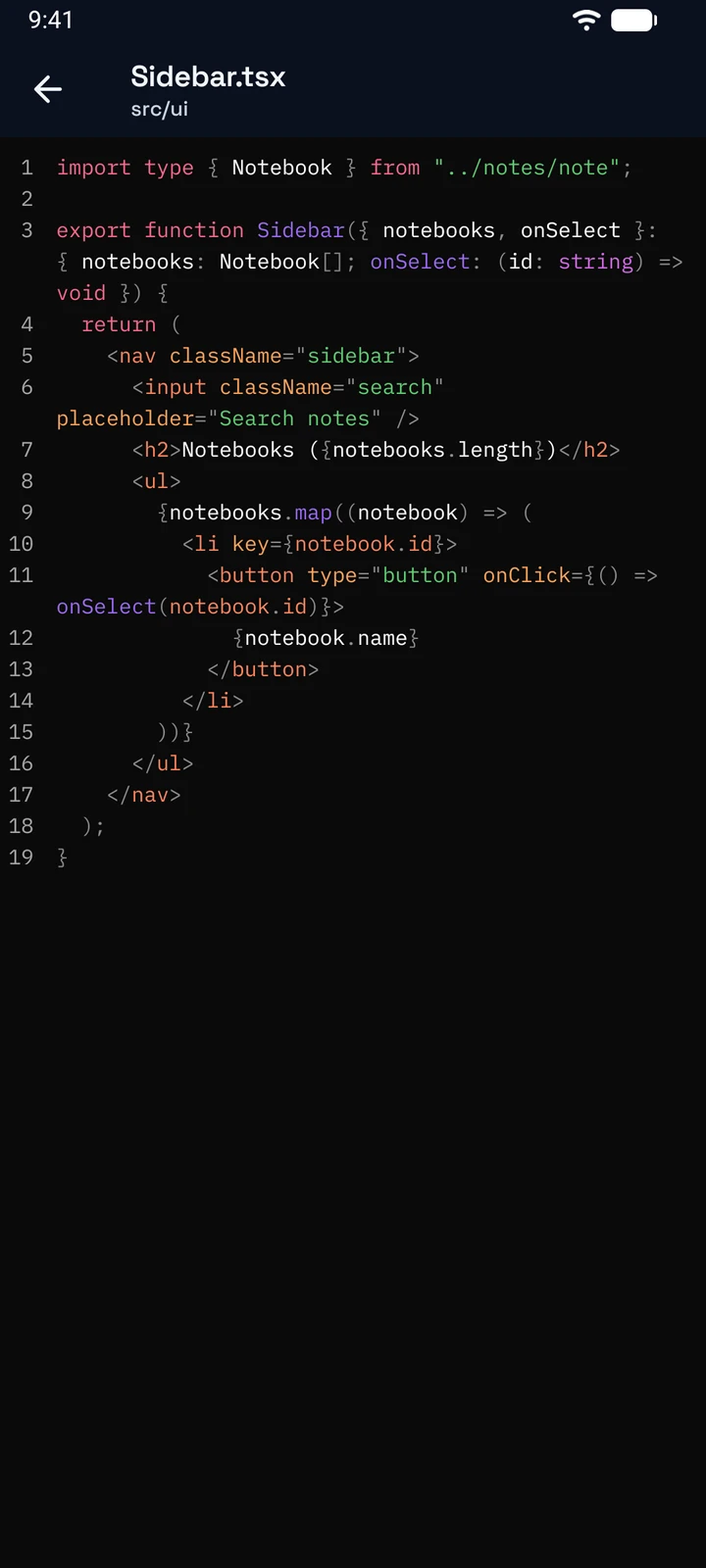
Files shows the folders of the worktree, with the Git status of each file. Each folder opens on its own screen. Search finds the files in the folder and below it.
The viewer shows:
- code with line numbers,
- Markdown as Preview or Source,
- images.
The phone has no editor.
CI checks
CI Checks shows the pull request of the task, its checks, and its review comments, as on the desktop. To hide the resolved comments, open Filter comments and select Hide resolved. The same menu filters the comments by author. The view is read-only. See CI checks.
Artifacts
Artifacts lists the documents of the workflow, such as the spec, the plan, and the QA report, and the free artifacts of the task. A free artifact shows a preview, or Share when the phone cannot show it. An HTML file shows as source: the app never runs it. To open a file in another app, tap Share. To add, rename, or delete a free artifact, use the desktop.
Terminals
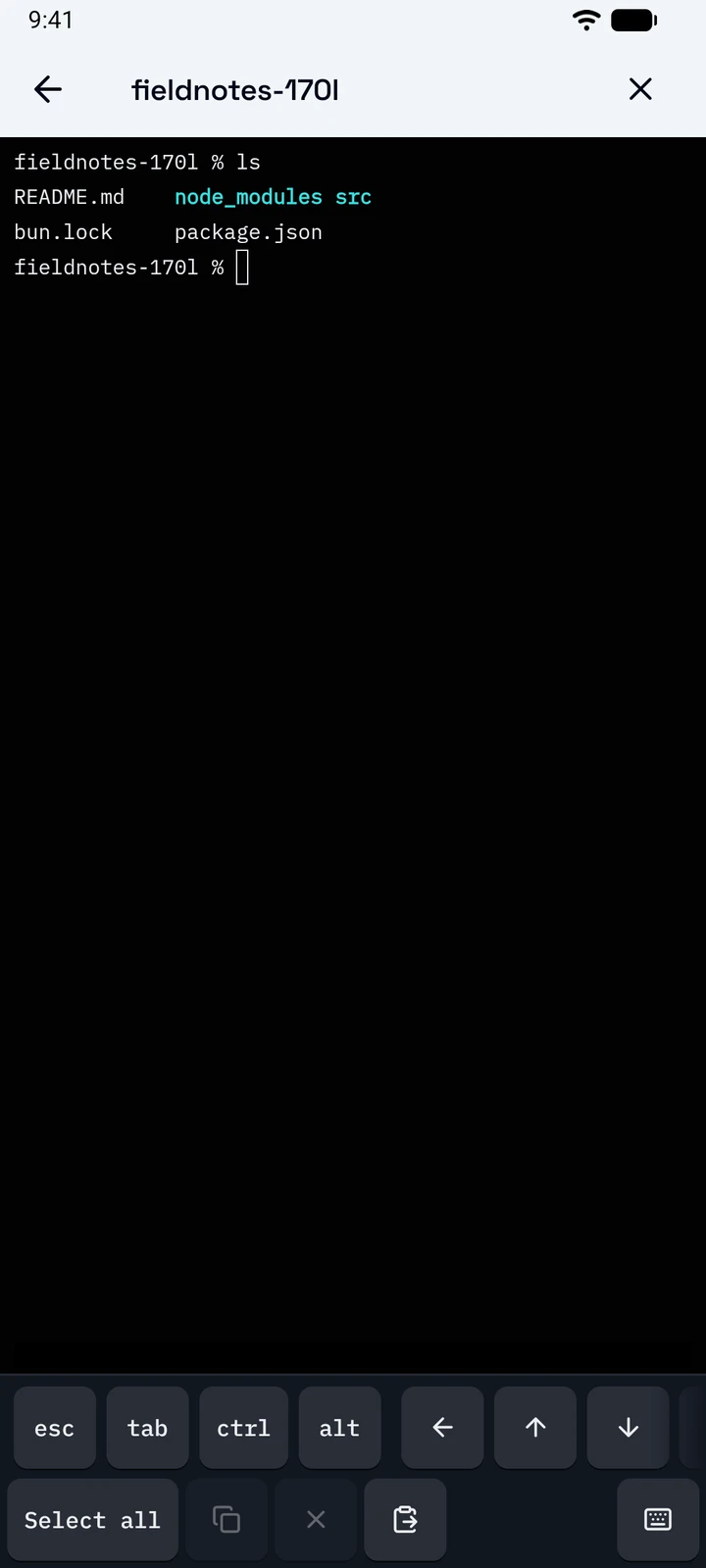
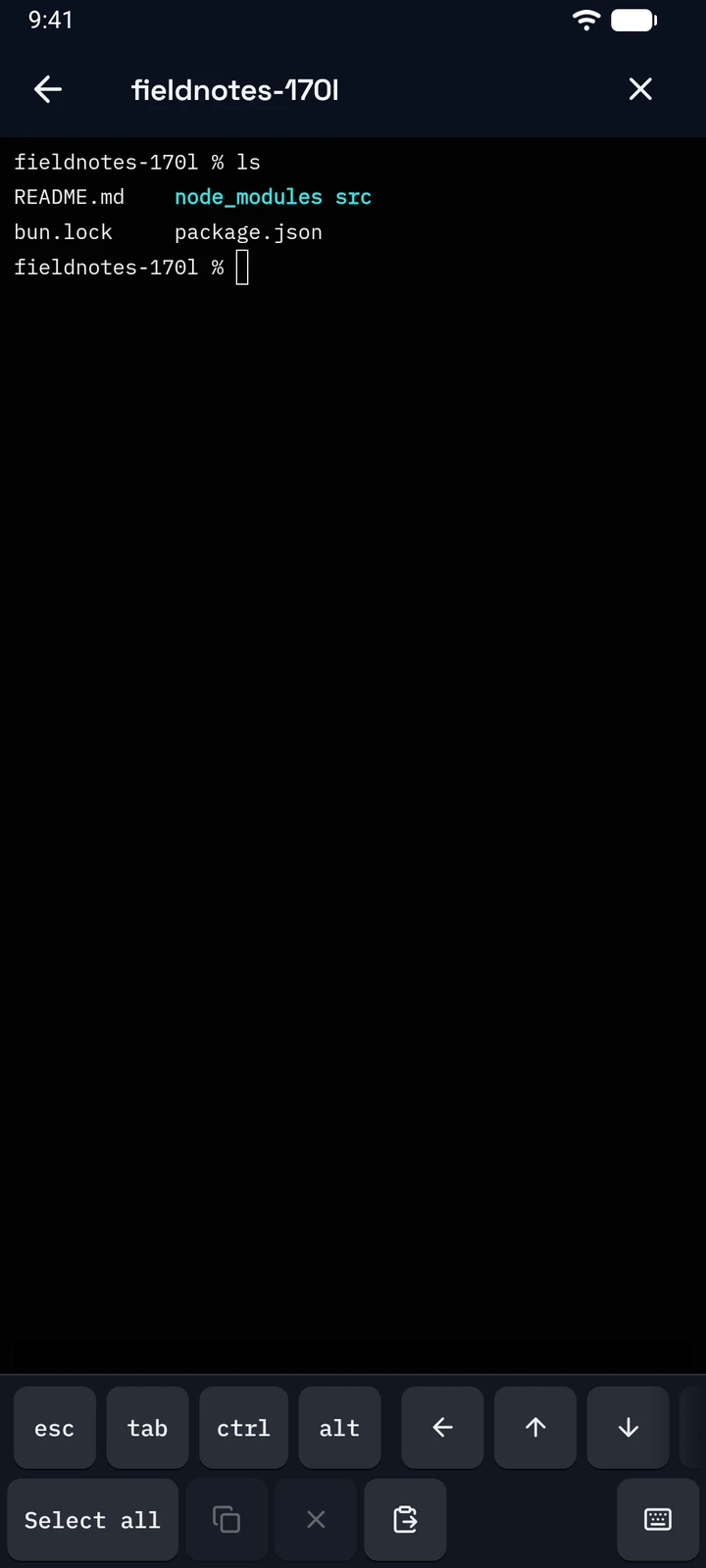
Terminals lists the open terminals of the task or the session. Tap New terminal to open a shell in the worktree, or start a repository action. You set up the actions on the desktop.
Close
Closes the terminal. While a command runs, confirm Stop and close.
Keys
esc, tab, ctrl, alt, and the arrows. Scroll the row for ⇧ tab, ⌫, del, and ↵.
Edit
Select all, Copy, Clear, and Paste.
Keyboard
Shows the keyboard of the phone, so you can type.