Harnesses
A harness is the coding agent that runs your sessions: OpenCode, Codex, or Claude Code. OpenDucktor uses the models of your sign-in to the harness.
Install a harness
Install the harness and sign in to it with its own tool. Then turn it on in OpenDucktor.
| Harness | Minimum version | Install and sign in |
|---|---|---|
| OpenCode | 2 or later | OpenCode documentation |
| Codex | With codex app-server | Codex documentation |
| Claude Code | 2.1.306 or later | Claude Code documentation |
To steer a message into a running reply, OpenCode needs 2.0.24 or later and Codex needs 0.106.0 or later.
Goal mode needs OpenCode 2.2.1, Codex 0.166.0, or Claude Code 2.1.306 or later. See Goal mode support.
To update, run opencode upgrade or claude update. Update Codex with the tool that installed it, for example npm install -g @openai/codex@latest or brew upgrade --cask codex.
Claude subscriptions
Turn on a harness
The setup wizard turns on the harnesses that you choose. Use these steps to turn one on later.
- Open Settings, then Agent runtimes, then the harness. Settings shows Claude Code as Claude.
- Turn on Enabled. If the harness does not show Available, select Browse and choose its executable.
- Select Save settings.
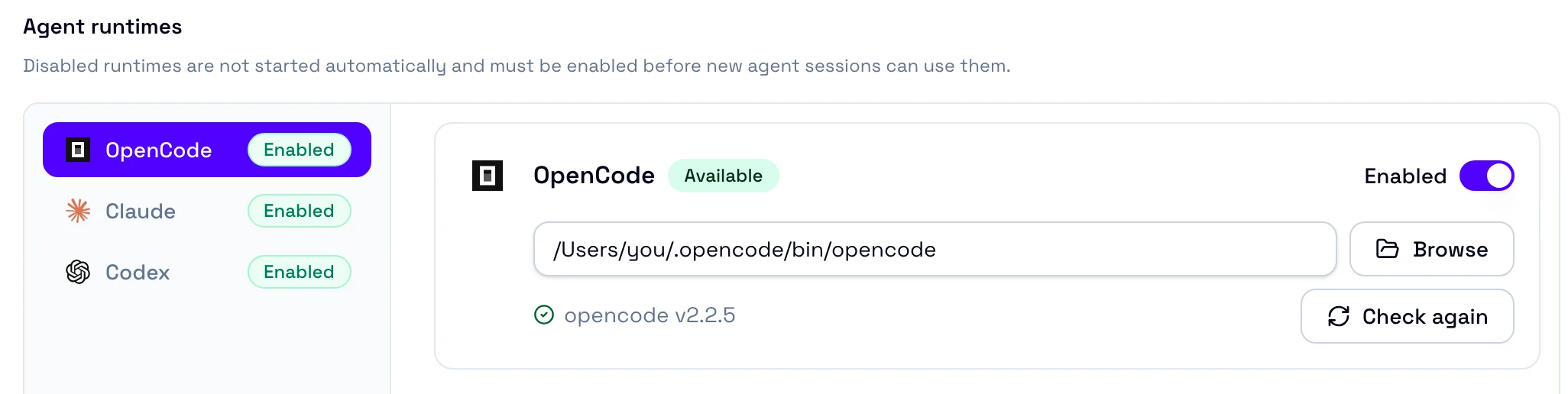
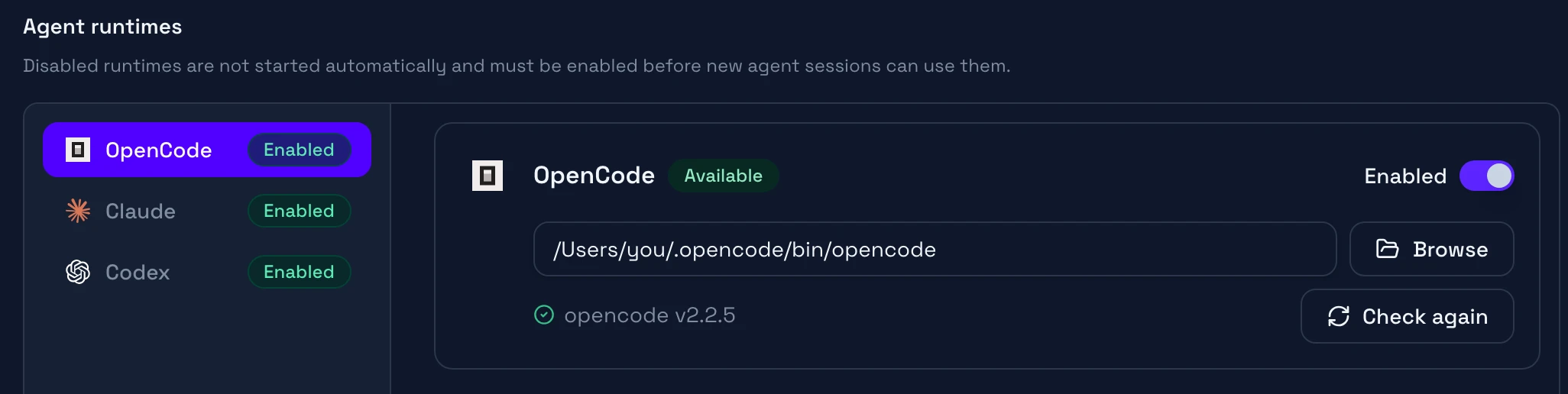
If the harness shows Needs attention, see Troubleshooting.
What each harness supports
All three harnesses run every agent role. Each one supports questions, permission requests, attachments, slash commands, skills, and session forks. They differ in these features:
| Feature | OpenCode | Codex | Claude Code |
|---|---|---|---|
| Image generation | No | Yes | No |
| Resume after a turn stops | No | Yes | Yes |
| Speed choice | No | Some models | Some models |
| Agent profile choice | Yes | No | No |
| Todo list in the session | No | Yes | Yes |
| Subagents in the background | Yes | No | Yes |
Mention a subagent with @ | Yes | No | No |
| Permission replies | Approve once, Allow for project, Reject | Approve once, Approve for session, Always allow, Reject | Approve once, Reject |
Goal mode support
All three harnesses run Goal mode. They differ in these points:
| OpenCode | Codex | Claude Code | |
|---|---|---|---|
| Minimum version | 2.2.1 | 0.166.0 | 2.1.306 |
| Pause goal and Resume goal | Yes | Yes | No. Only Clear goal. |
| Stop session during a goal | Stops the turn and pauses the goal | Stops the turn and pauses the goal | Stops the turn and keeps the goal. The row shows Waiting for your message. |
With an older harness, the Goal mode switch is off and names the version to install. OpenCode runs goals with its goal plugin. If your OpenCode config turns the plugin off, remove -opencode.goal from plugins in the OpenCode config.
Control what agents can do
Each harness has its own permission settings in Agent runtimes.
- In Agent runtimes, select the harness.
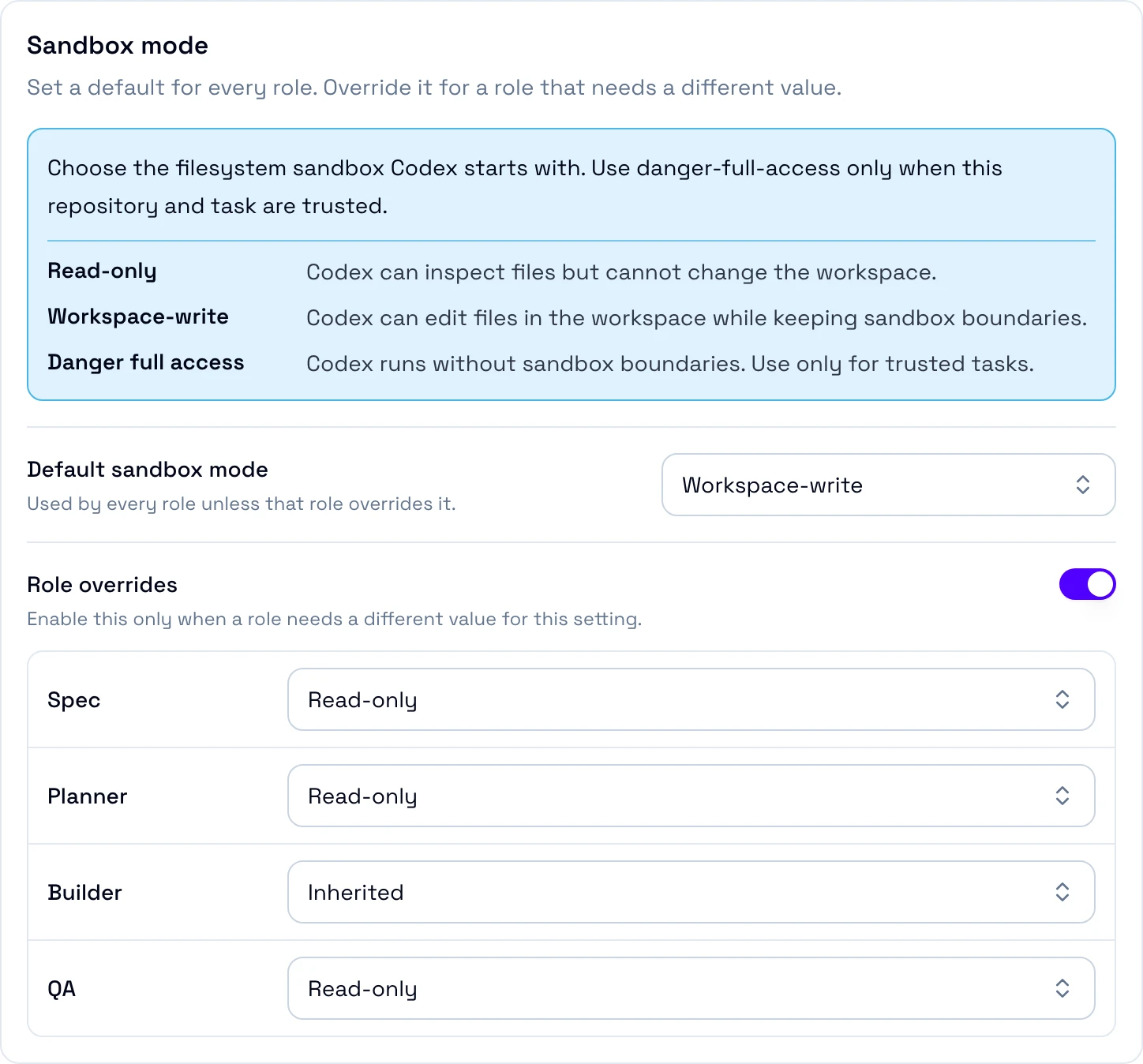
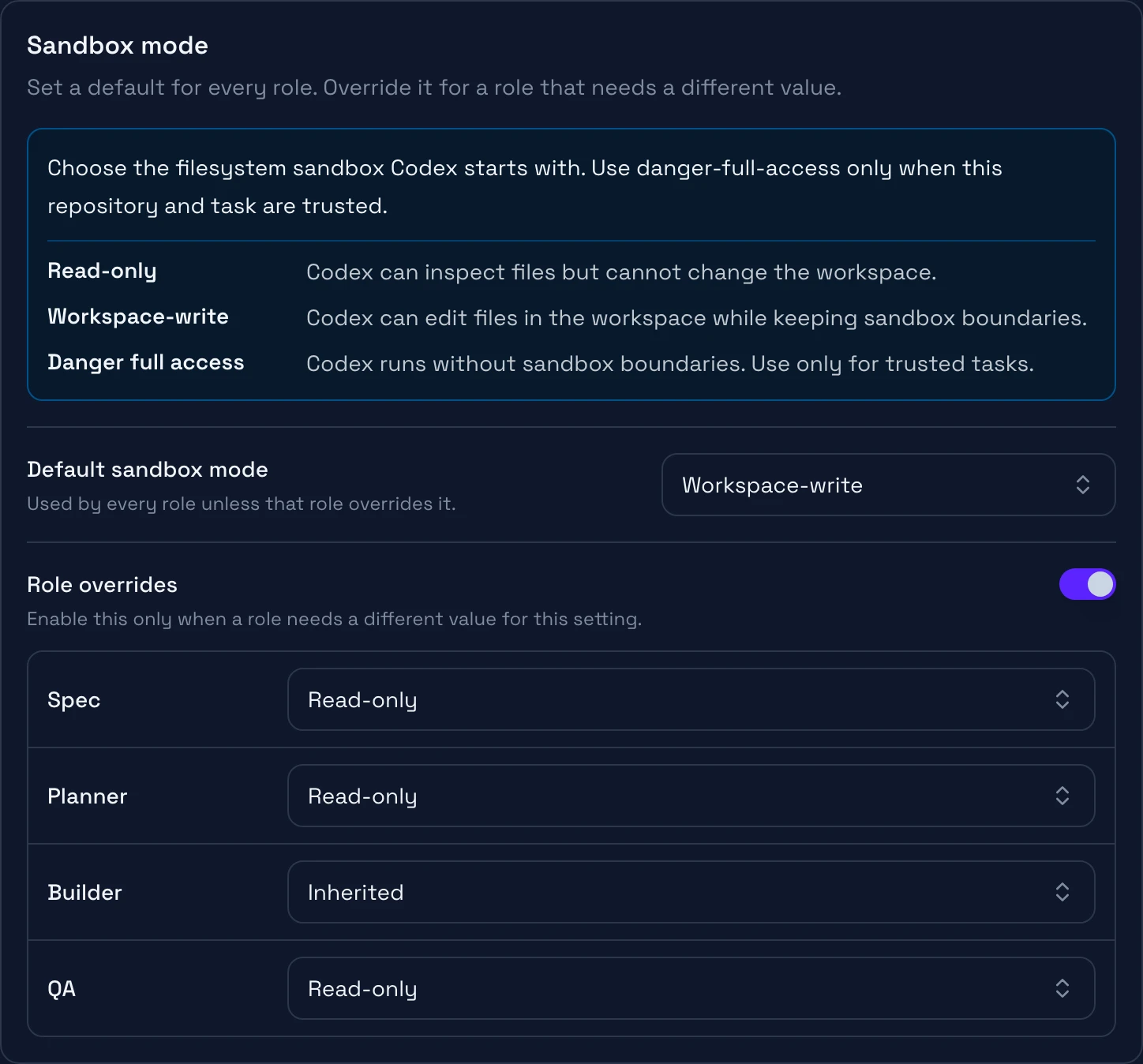
- Set the default value of each field. For Claude Code, open the group of the field first. To give one role another value, turn on Role overrides for the field.
- If the section asks you to confirm reduced protections, turn on the confirmation switch.
- Select Save settings.
| Harness | Setting | What it does |
|---|---|---|
| OpenCode | OpenCode permissions | Allows, asks about, or denies each command, file access, or web fetch. |
| Codex | Sandbox mode | Sets what Codex can change. |
| Codex | Approval prompts | Sets when Codex asks you. |
| Codex | Prompt reviewer | Sets who reviews approval prompts: you or the Codex automatic review. |
| Codex | Command network access | Lets commands in sandboxed turns use the network. |
| Claude Code | Approval mode | Sets when Claude Code asks you. |
| Claude Code | Bash sandbox | Runs shell commands in a sandbox. |
The settings apply in this order:
In a Claude Code list field, such as Allow rules, OpenDucktor adds its entries to the native entries.
In Codex, a command in the Workspace-write sandbox can change files without a request. To stop the Spec, Planner, and QA roles from changing files with Codex, set their Sandbox mode to Read-only in Role overrides. The Builder cannot use Read-only.
OpenCode and Claude Code apply changes to new and forked sessions. Resumed and imported Claude Code sessions use the native Claude settings. Codex applies changes to sessions that start or resume after the save.
Reduced protections
These settings let agents act without your approval or outside the sandbox:
- Codex Sandbox mode: Danger full access
- Codex Approval prompts: Never
- Claude Code Approval mode: Bypass permissions
- Claude Code Bash sandbox: off
Use them only in a repository that you trust.