GitHub
OpenDucktor talks to GitHub through the GitHub CLI, gh, with your account. It keeps no GitHub token of its own.
Before you start
Install the GitHub CLI and sign in:
gh auth loginFor GitHub Enterprise Server, sign in to your host too: gh auth login --hostname github.example.com.
The Builder also uses gh in its shell to open the pull request. See Pull requests.
Connect the repository
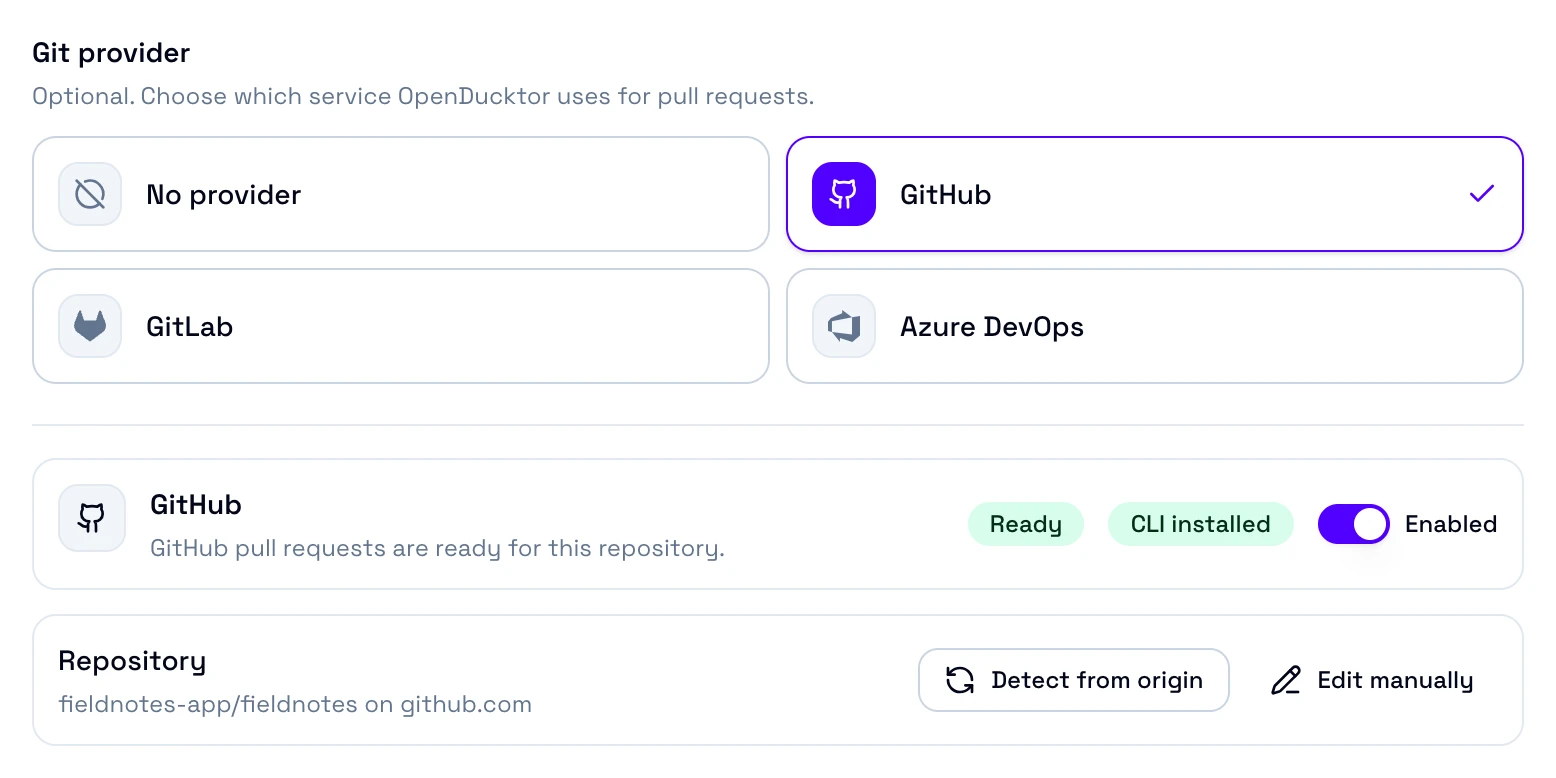
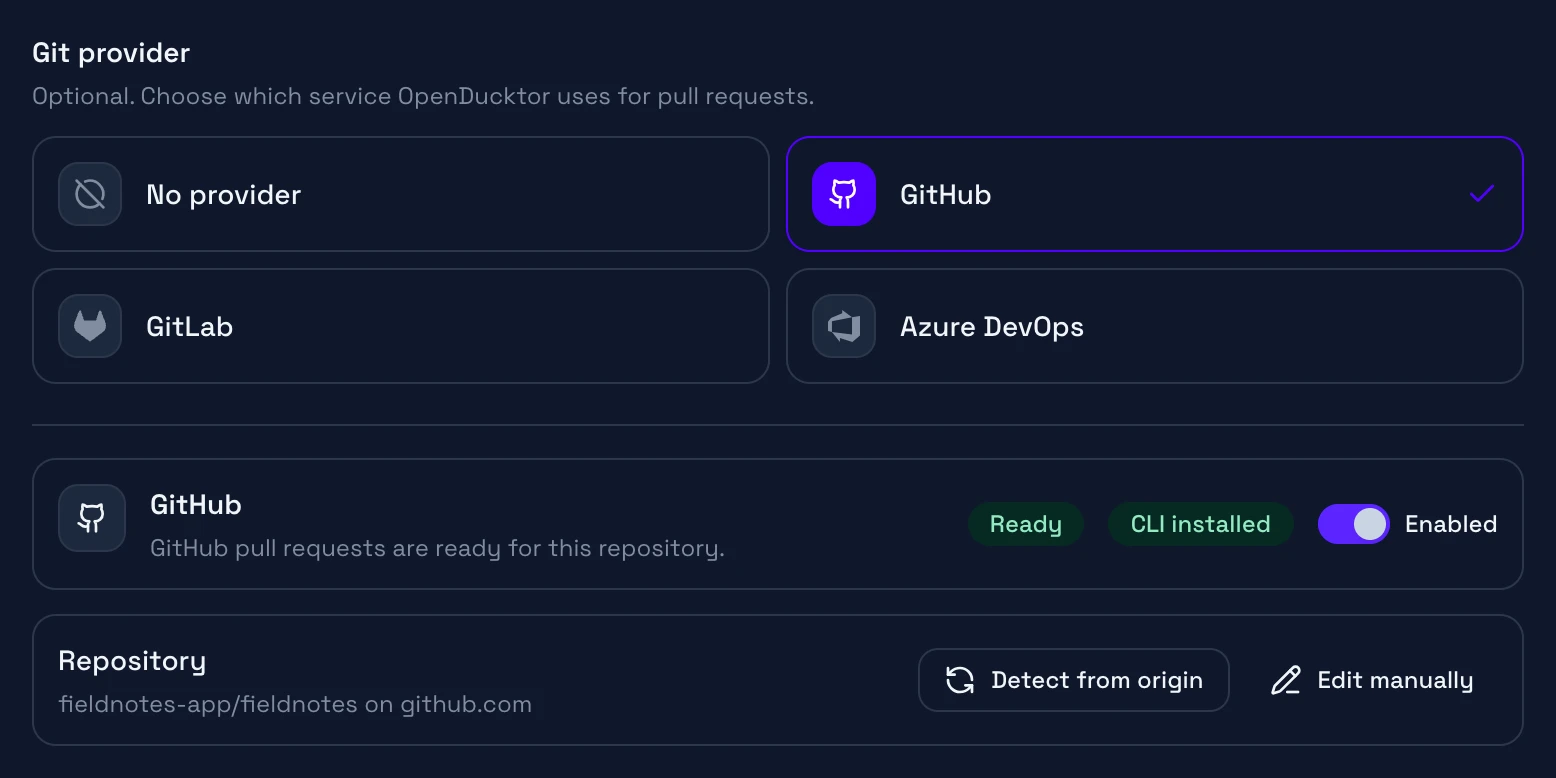
Git provider
Choose GitHub.
Status
Ready when gh is installed and signed in, and the repository matches a remote.
Repository
The host, the owner, and the repository. Detect from origin fills them.
- Open Settings, Repositories, your repository, then the Git tab.
- Select GitHub, then Detect from origin. OpenDucktor reads the
originremote. For GitHub Enterprise Server, select Edit manually, and set Host to your server, for examplegithub.example.com. - Select Save settings. The card shows Ready.
The card shows CLI installed or CLI missing. It shows Configured instead of Ready for a host other than github.com.
Import issues
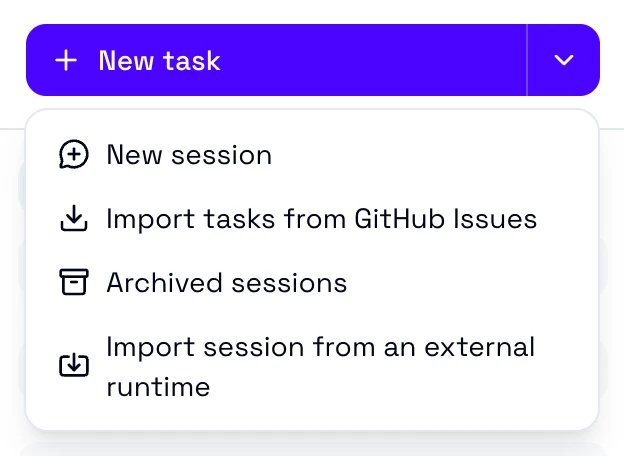
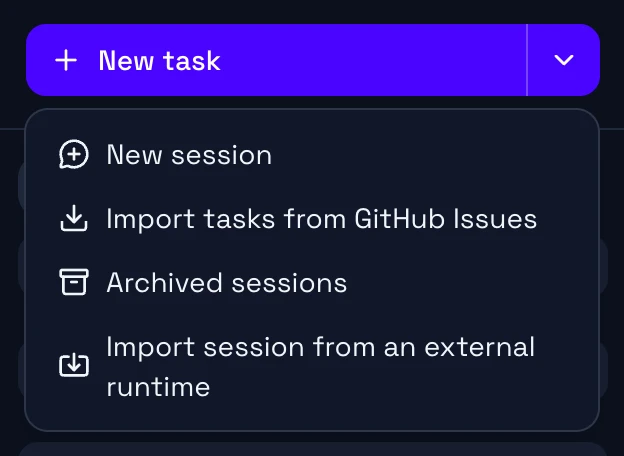
Select the arrow next to New task, then Import tasks from GitHub Issues.
- The list shows the open issues of the repository, the most recently updated first. Pull requests and closed issues do not show.
- Search matches titles. Type
#42or42to find one issue. - Each task gets the title, the description, and the labels of its issue as tags. You choose the type and the priority before the import.
- The task keeps a link to its issue. OpenDucktor does not change the issue.
Pull requests
When you approve a task, you choose who writes the pull request:
- Ask Builder: the Builder pushes the branch and runs
ghin its shell to create or update the pull request. Then it links the pull request to the task. - Write manually: you enter the title and the description. OpenDucktor pushes the branch and creates the pull request with your
ghaccount. If the task has an open pull request, OpenDucktor updates it.
OpenDucktor creates a pull request ready for review, not a draft.
Checks and comments
The CI Checks tab reads the pull request with gh:
- Checks: every check of
gh pr checks, with its workflow and its link. The tab does not mark the required checks. - Comments: the review threads, the reviews, and the comments of the pull request. A
suggestionblock shows as a suggested change. - Count on the tab: the review threads that are not resolved.
Limits
- OpenDucktor finds only the pull requests from a branch of the same repository. It does not find a pull request from a fork.
- The repository host cannot have a port, such as
github.example.com:8443. The GitHub CLI does not support it. - Exactly one Git remote must point to the repository. With no match or with two matches, the pull request does not open.
- A branch can have one open pull request. With more, OpenDucktor stops and names the branch.
Problems
| The card shows | Fix |
|---|---|
| CLI missing | Install gh. If it is outside your PATH, set OPENDUCKTOR_GH_PATH to its file, then restart OpenDucktor. |
GitHub authentication is not configured. Run gh auth login. | Run gh auth login, with --hostname for your server. |
No git remote matches the configured GitHub repository | Check Host, Owner, and Repository against git remote -v. |
For more, see Git providers in Troubleshooting.